Working from home offers flexibility, but an improvised workstation can become uncomfortable, especially when you stay in one position for a long time. These practical adjustments can help you create a more comfortable setup and bring more movement into your working day.
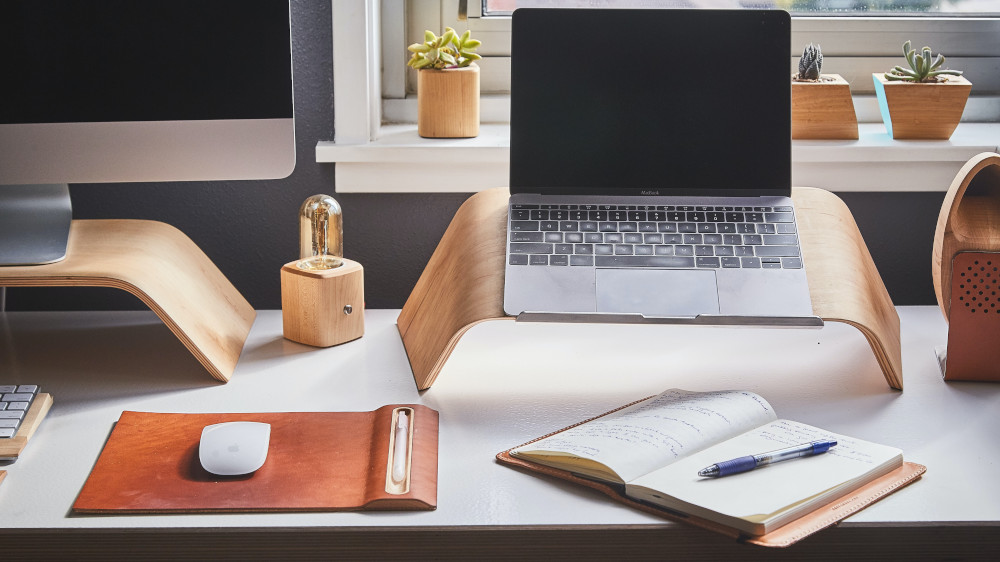
Photo by Grovemade on Unsplash
- Choose a supportive chair: Use a stable chair that lets you sit comfortably with your feet supported. An adjustable seat and backrest can make it easier to adapt the chair to your body.
- Adjust the desk: Position the keyboard and mouse so your forearms can rest comfortably and your shoulders remain relaxed.
- Place the screen well: Set the screen at a comfortable height and distance so you do not need to hold your head markedly up, down or to one side.
- Use an external keyboard and mouse: With a laptop, these allow you to raise the screen while keeping your hands and arms in a comfortable position.
- Alternate sitting and standing: A height-adjustable desk can be useful, but standing all day is not the goal. Change between positions according to comfort.
- Add simple movements: Move your shoulders, rotate your upper body gently or stand and walk for a moment. Movements should remain comfortable and controlled.
- Schedule short breaks: Regular brief breaks can interrupt prolonged sitting. Stand up, take a few steps or complete a short movement routine.
- Use variety: Change posture and work position occasionally. A conventional, supportive chair is suitable for most work; unstable seating such as an exercise ball should be used only briefly if it feels comfortable.
Conclusion: A comfortable home workstation depends on a suitable setup, but regular variation matters just as much. Adjust the chair, desk and screen to your needs, change position often and include brief movement breaks. Persistent, worsening or unexplained symptoms should be assessed by a qualified healthcare professional.